
Recovery you can prove.
Ransomware deletes your backups first. CloudRoam keeps an isolated, locked copy of your data on storage you already own, mirrored across providers. A stolen password can't reach it. We can't read it. And every week we prove it still restores.
Three promises no backup vendor can make
Most backups die in an attack because they sit in the same account as your data, and the vendor can read them. CloudRoam is built the other way round.
Not by a hacked employee, a hijacked admin account, your IT provider, or us. The provider itself keeps every version locked for the retention window, and a second provider holds its own copy.
Your files are encrypted on your device with a key we never hold. A stolen copy is worthless to an extortionist, and there is nothing to hand over if we are ever subpoenaed.
Every week we restore real files and time how long it takes. You get a signed record you, your insurer, and your auditor can check for yourselves.
Quiet software your whole company relies on
CloudRoam sits in the background and does one job well. The people who set it up rarely think about it again, right up until the morning they need it. That is the point. It should feel like part of the furniture, always there, never in the way.
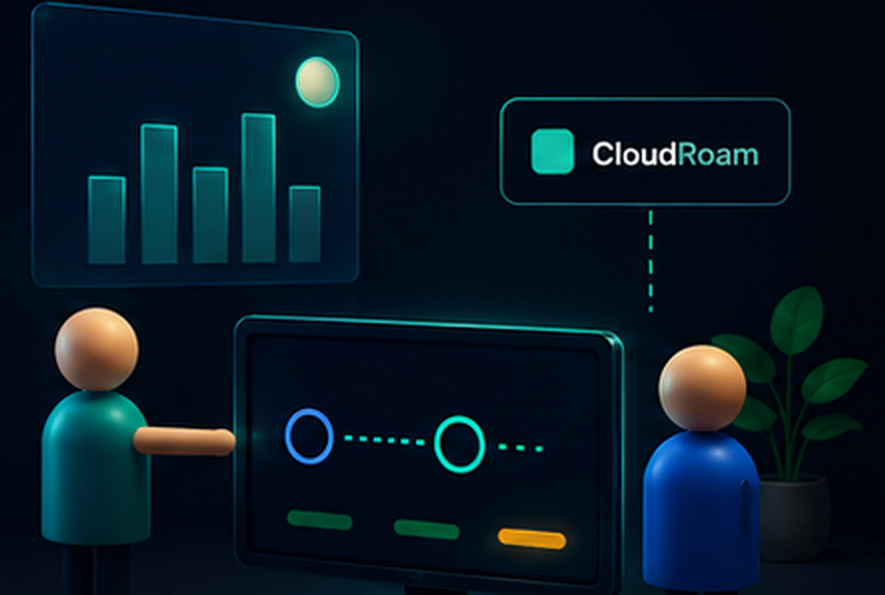
One platform, six working parts
Everything runs on the storage you already pay for. There is nothing to move.
Recovery Vault
An isolated, locked copy of your critical data, sitting on your own cloud. A stolen credential can neither read it nor destroy it.
Zero-knowledge, lockedClean Room
Open untrusted recovery points in isolation. Decrypt and scan them without letting anything touch your machine, and without any vendor seeing the contents.
Isolation without trustRecovery Passport
A signed record for each vault across six checks. Anyone can verify it offline, so a review does not depend on taking our word for anything.
Check it yourselfRecovery without us
An open tool pulls your data straight from storage using your keys, even if CloudRoam no longer exists. We prove that path works once a quarter.
Survives the vendorMulti-provider mirror
Keep the same locked copy on more than one provider at once. An outage or breach at any one of them leaves your recovery untouched.
Provider-redundantKeys that age well
Passphrase hardening that gets stronger over time, hardware passkeys, printable recovery codes, and shared recovery across trusted people.
Ready for what's nextWhy it holds when everything else falls
Modern ransomware does not just lock your files. It signs in with a stolen password, encrypts or wipes the data, then hunts down the backups so you cannot come back. If your backup lives beside your data, one password takes both.
A separate account
The vault lives in its own cloud account with its own identity. The password that runs your business cannot see it.
Write once, delete never
The storage provider keeps every version and refuses to remove it during the retention window. Not for an attacker, not for an admin, not for us.
Encrypted before it leaves you
Files are locked on your device with a key we never receive. A copied file is noise, and there is nothing readable for a court to demand.
Keys that only add
The credential we use to write your backups can add new files and nothing else. It cannot read, delete, or loosen the lock.
Proof you hold, not a promise we make
Each recovery point carries a signature you verify offline. If we vanished tomorrow, the proof would still check out.
Under the hood, in plain terms
Your passphrase is turned into a key with Argon2id, a method built to be slow and expensive for anyone trying to guess it. Every file gets its own key. The master key is sealed three separate ways, for your passphrase, a hardware passkey, and a printed recovery code, so losing one route never locks you out. The signed proof on each recovery point is made with a key that stays on your device. Anyone can check the signature. Nobody can fake it.
One provider goes dark. Your recovery does not.
Providers have outages. Accounts get locked. A region can fall over for a day. Put your only recovery copy in one place and its worst day becomes your worst day. So CloudRoam can keep the same locked, encrypted copy on more than one provider at the same time.
Azure is offline. Nobody has to do anything. Recovery keeps running from Amazon S3 and Backblaze B2, and Azure heals itself the moment it comes back.
01 An outage
A provider or a whole region goes down for hours. Your recovery point is still online at the others, so a bad day for them is a normal day for you.
02 A breach or lockout
One provider account is compromised or frozen. The attacker still cannot read the copy, and the same locked data waits untouched on a separate provider they never reached.
03 A vendor you outgrow
Prices change, terms change, you want out. Move to another provider without a migration project, because the copy already lives in more than one place.
Set it once, and it keeps proving itself
Connect a cloud and CloudRoam handles the rest, then checks its own work every week.
Let an agent run your backups. Without handing it your data.
The next wave of software does not click buttons. You give it an instruction and it gets the work done. CloudRoam is built to be the data layer those agents can be trusted with, because it was zero-knowledge and locked long before they arrived.
Your assistant never saw a file. Neither did we.
What an agent needs from its data layer
Delegation without disclosure
The agent commands the backup. It never sees a file, because the keys stay on your side. Neither does the model provider sitting behind it.
It works blindCapabilities, not credentials
The agent gets one narrow permission, write to this vault. Never your cloud keys. It cannot read, it cannot delete, it cannot loosen the lock.
Least privilegeAn undo it cannot override
Every recovery copy is write once. A confused or hijacked agent cannot wipe the very thing that would bring you back.
Write onceProof, not trust
Every action returns a signed record you can check offline. You know it worked without re-doing it yourself.
VerifiableCloudRoam speaks MCP
Connect Claude, or your own in-house agent, to the CloudRoam MCP server and it gains a small set of exact, safe tools. Plain language goes in. Deterministic, permission-checked, fully logged actions come out. The agent handles the intent. CloudRoam keeps the keys, the locks, and the proof.
Where this goes
From schedules to intent
Today you set a schedule. Tomorrow you set an intent. Your agent watches for new invoices and files them nightly, sealed, to two clouds, with a monthly proof in your inbox.
It reacts before you would
It notices a mass change that looks like ransomware and freezes a clean copy before the damage can spread.
It manages the boring parts
It moves cold data to cheaper storage when a bill climbs, and migrates a whole vault to another provider during a price change, without you lifting a finger.
It proves the recovery, weekly
It runs a restore drill every week, so the day you actually need it is never the first time anyone tried.
Every one of those needs the same foundation. A data layer that stays private under delegation, refuses destructive commands, and proves its own work. That is what CloudRoam already is.
Talk to your storage. It does the rest.
Connect Claude, or your own agent, to the CloudRoam MCP server. Then just say what you want. Here are real requests, and what CloudRoam does behind each one.
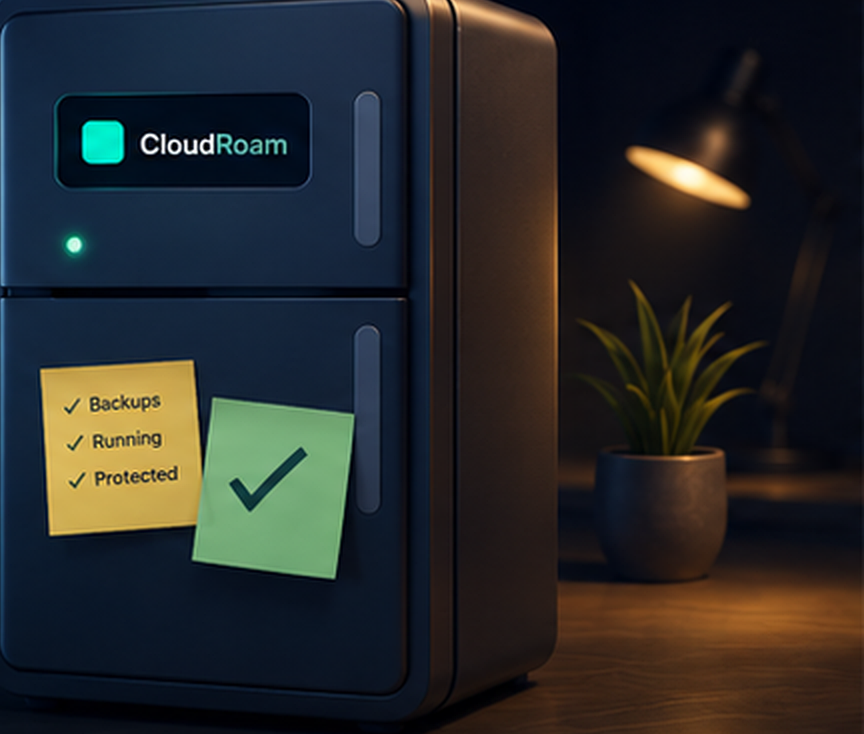
The kind of tool people forget is even there
Good protection does not ask for attention. It runs in the corner, day after day, and the first time anyone notices it is the day it saves them. CloudRoam is designed to be that steady presence in your business, quietly keeping a copy of everything that matters where nothing bad can reach it.
The people who sleep better with it running
"We had backups for years. The honest truth is we never once tried a full restore. Now it happens on its own and I get a report I actually trust."
"I can finally sell recovery, not just storage. One screen shows every client, and each one gets a report with their name on it."
"Auditors do not want a policy document. They want to see that a restore worked last month. Now I can hand them proof they can check themselves."
Composite examples that reflect how teams use CloudRoam.
Where CloudRoam stands apart
Backups are everywhere. Provable, unreadable, vendor-independent recovery is not.
| Capability | CloudRoam | Backup vendors | Do it yourself |
|---|---|---|---|
| Runs on storage you already own | Yes | Sometimes | Yes |
| The vendor cannot read it | Yes | No | Only if you build it |
| Locked by the storage provider | Yes | Yes | Manual |
| Keys that cannot delete or read | Yes | No | No |
| Same copy across several providers | Yes | Rare | Scripts |
| Isolated clean-room inspection | Yes | Enterprise tier | No |
| Signed proof you verify yourself | Yes | A PDF report | No |
| Restore proven with the vendor down | Yes | No | In theory |
| Drive it from an AI agent (MCP) | Yes | No | Build your own |
| Agent runs backups without reading your data | Yes | No | No |
| Plain-language commands, deterministic actions | Yes | No | You script it |
Sell recovery you can stand behind
Offer verified recovery across your whole book from one console. Automated quarterly exercises, a branded report per client, and evidence that keeps working even if your own systems are hit. That last part is a liability shield your competitors cannot match.
Prove your recovery before you need it
Connect a cloud, protect a vault, and download your first signed report in fifteen minutes.